Think gaming laptops are only for marathon gaming sessions? Think again! Modern gaming laptops are powerful, versatile machines designed to handle far more than just the latest AAA titles. For the busy gamer who juggles work, family, and a passion for interactive entertainment, these devices offer an unparalleled blend of high performance for both play and productivity. From demanding creative tasks like video editing and graphic design to data analysis, streaming, and even powering a robust home office setup, a gaming laptop can be your all-in-one powerhouse. This guide explores how these advanced rigs deliver exceptional value, future-proof your tech investments, and help you balance your digital life, ensuring you get the most out of every dollar and every minute. Discover why calling them 'just for gaming' is a huge understatement in 2026.
Are Gaming Laptops Only for Gaming, or Can They Be Used for Work?
Gaming laptops are incredibly versatile and excel at much more than just gaming. Their powerful CPUs, dedicated GPUs, ample RAM, and fast SSDs make them ideal for demanding professional tasks like video editing, 3D rendering, graphic design, programming, and data analysis. These machines are designed for high performance under sustained load, translating directly into superior productivity for any intensive workload, making them excellent workhorses for professionals and creators.
Why Are Gaming Laptops So Good for Content Creation and Streaming?
Gaming laptops are perfect for content creation and streaming because they pack the same high-end components required for gaming into a portable form factor. The robust multi-core processors accelerate video encoding and rendering, while dedicated GPUs provide immense power for real-time effects, graphic design software, and simultaneously streaming gameplay. This allows creators to record, edit, and stream high-quality content without performance bottlenecks, all from one device.
How Do Gaming Laptops' Components Benefit Productivity Software?
The components in gaming laptops significantly boost productivity. Their powerful processors (Intel Core i7/i9, AMD Ryzen 7/9) handle complex calculations and heavy multitasking with ease. Dedicated GPUs (NVIDIA RTX, AMD Radeon RX) accelerate tasks in programs like AutoCAD, scientific simulations, and even advanced photo editing. Fast NVMe SSDs ensure quick boot-ups and rapid application loading, while large amounts of high-speed RAM keep numerous tabs and programs responsive, dramatically improving workflow efficiency.
What Are the Disadvantages of Using a Gaming Laptop as a Daily Driver?
While powerful, gaming laptops do have a few trade-offs as daily drivers. They typically have shorter battery life under heavy use compared to ultrabooks, tend to be heavier and thicker due to robust cooling, and can produce noticeable fan noise when pushed hard. However, many modern gaming laptops offer improved battery performance for light tasks, sleeker designs, and quieter operation for everyday use, mitigating these drawbacks.
Can a Gaming Laptop Replace a Desktop PC for Both Gaming and Work?
For many users, a modern gaming laptop can absolutely replace a traditional desktop PC. With advancements in mobile processors and GPUs, laptops now offer performance comparable to many mid-to-high-end desktops. When paired with an external monitor, keyboard, and mouse, a gaming laptop transforms into a powerful desktop workstation for both gaming and professional tasks, offering the flexibility of portability when needed.
Are Gaming Laptops a Cost-Effective Choice for Students?
For students in demanding fields like engineering, computer science, or digital media, gaming laptops can be very cost-effective. While the initial investment might be higher, their superior performance and longevity mean they can handle specialized software and intensive projects for years, often outperforming similarly priced business laptops. This reduces the need for early upgrades, providing long-term value and ensuring students have the tools they need.
How Has the Design of Gaming Laptops Evolved for Wider Appeal?
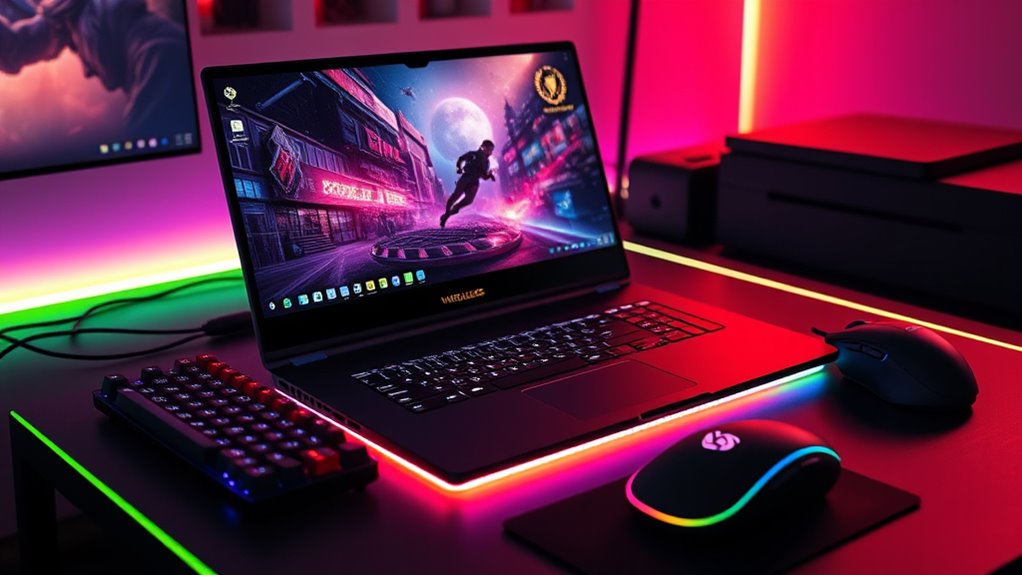
Gaming laptop designs have evolved dramatically, moving away from overly aggressive aesthetics. Many 2026 models feature minimalist, sleek chassis, thinner bezels, and customizable RGB lighting that can be toned down or turned off entirely. This professional aesthetic makes them suitable for any environment, from classrooms to corporate offices, broadening their appeal beyond just core gamers to include professionals and creators seeking powerful, versatile hardware.
Hey fellow gamers! Ever felt that little pang of guilt or heard the eye-roll when someone asks about your “gaming” laptop? The common perception, even in 2026, often suggests that these powerful machines are singular-purpose beasts, solely dedicated to racking up frag counts or exploring vast open worlds. But let’s be real for a moment. For many of us – the average gamer balancing a full-time job, family commitments, and life’s countless other demands – our tech needs to be as versatile as we are. We're talking about the 87% of US gamers who regularly dive into virtual realms, often for 10 or more hours a week, but also need to crush spreadsheets, edit family videos, or join endless online meetings.
The truth is, modern gaming laptops are far from being “just for gaming.” They've evolved into bona fide powerhouses, capable of tackling virtually any demanding task you throw at them. If you’re like most gamers, you value not just the escapism and fun gaming offers, but also the skill-building, social connections, and performance optimization. You want value for your money and gear that stays current without succumbing to pure hype. This comprehensive guide will bust the myth that gaming laptops are a one-trick pony, showing you how these machines are excellent investments for work, creativity, and everyday productivity, perfectly suiting the multi-faceted lives of today’s dedicated but busy gamers.
Are Gaming Laptops Overkill for Non-Gaming Tasks?
On the surface, it might seem like bringing a high-performance gaming laptop to a casual browsing or word processing fight is like using a rocket launcher for a fly. However, this perspective misses the mark on the underlying benefits. The robust components designed to handle graphically intensive games – powerful CPUs, dedicated GPUs, ample RAM, and fast SSDs – translate directly into superior performance for almost any demanding application. For busy professionals or content creators, this means snappier response times, smoother multitasking, and significantly reduced wait times on complex operations.
Instead of being "overkill," these machines provide a future-proof buffer, ensuring your laptop won't struggle with software updates or increasingly demanding applications for years to come. In an era where 4K content, video conferencing with multiple participants, and cloud-based applications are standard, that extra processing muscle isn't a luxury; it's a productivity enhancer. It means less frustration and more time for what matters, whether that's finishing work early or diving into your favorite cozy game.
What Makes a Gaming Laptop Good for Work and Productivity?
When you strip away the flashy RGB lights and aggressive designs (which many modern gaming laptops are toning down anyway), you find the core components that make these machines incredibly potent for productivity.
Powerful Processors: Modern gaming laptops feature high-core-count Intel Core i7/i9 or AMD Ryzen 7/9 CPUs. These are desktop-grade processors designed for heavy workloads, making them perfect for complex spreadsheets, data analysis, coding, and running multiple applications simultaneously without a hitch.
Dedicated Graphics Cards (GPUs): While essential for gaming, GPUs like NVIDIA GeForce RTX or AMD Radeon RX are also accelerators for professional software. Applications in fields like engineering (CAD), scientific simulation, machine learning, and even advanced video conferencing utilize GPU acceleration for faster processing. This is a game-changer for anyone working with visuals or large datasets.
Ample and Fast RAM: Gaming laptops typically come with 16GB, 32GB, or even 64GB of high-speed DDR5 RAM. This massive memory capacity prevents slowdowns when you have dozens of browser tabs open, virtual machines running, or are working on large projects, improving workflow significantly.
Speedy Storage: NVMe SSDs are standard in gaming laptops, offering lightning-fast boot times and application loading. This isn't just about getting into your game faster; it's about opening Photoshop, launching your IDE, or loading massive datasets in seconds.
Advanced Cooling Systems: To sustain peak performance during intense gaming, these laptops feature sophisticated cooling. This ensures that when you’re crunching numbers or rendering a video for hours, your laptop maintains optimal performance without throttling, a common issue in slimmer, less powerful productivity laptops.
High-Refresh Rate Displays: While primarily for smoother gaming, a 120Hz or 144Hz display also offers a much smoother visual experience for everyday use, reducing eye strain and making scrolling or animations feel incredibly fluid.
Can Gaming Laptops Handle Creative Software Like Video Editing or 3D Rendering?
Absolutely, and often with more prowess than many dedicated "creator" laptops. The very same components that power immersive gaming experiences are precisely what creative professionals need. Consider the demand of a title like Cyberpunk 2077 or Alan Wake 2 – they push GPUs and CPUs to their limits. These same limits are met, and often exceeded, by software like Adobe Premiere Pro, DaVinci Resolve, Blender, AutoCAD, or Cinema 4D.
For video editors, rendering times are drastically cut thanks to powerful GPUs and multi-core CPUs. Graphic designers benefit from smooth canvas manipulation and rapid filter applications. 3D artists find real-time viewport rendering and complex scene processing a breeze. With the rise of independent content creators and streamers – a significant trend in 2026, especially among younger gamers balancing passion with potential income – a gaming laptop provides the necessary horsepower to record gameplay, stream live, and edit professional-grade videos all from one portable setup. It's truly a creative powerhouse in disguise.
Are Gaming Laptops a Smart Investment for Students or Professionals?
For students in STEM fields, architecture, graphic design, or media production, a gaming laptop can be an incredibly smart investment. They often require powerful software for coursework that standard ultrabooks simply cannot handle. Engineering students needing CAD software, computer science majors running virtual machines or compiling large codebases, and design students working with heavy graphics programs will find gaming laptops indispensable.
Similarly, for professionals who frequently travel or work remotely and need robust computing power on the go – think project managers, data analysts, or marketing specialists handling rich media – a gaming laptop offers an ideal portable workstation. Instead of buying a cheaper laptop now and having to upgrade prematurely due to performance bottlenecks, a gaming laptop offers longevity and capability, making it a cost-effective choice in the long run. Plus, the ability to unwind with a quick gaming session after a stressful day of work or study? Priceless for maintaining mental well-being for the average 36-year-old gamer.
How Do Gaming Laptops Compare to Business Laptops in Value?
When you look at pure specifications for the price, gaming laptops often deliver superior value compared to business-oriented laptops of a similar price point. Business laptops frequently prioritize sleek designs, long battery life, and enterprise-level security features, sometimes at the expense of raw processing and graphics power. You might pay a premium for a slim profile or a specific brand name, getting an integrated GPU and a weaker CPU.
Gaming laptops, on the other hand, pack top-tier components like dedicated GPUs, high-end CPUs, and advanced cooling systems, all for a competitive price. While battery life might be shorter for intensive tasks (though much improved for light use), and they might be slightly heavier, the performance difference is substantial. For anyone who needs serious horsepower for both work and play, the gaming laptop often provides more bang for your buck, offering a versatile tool that can adapt to diverse daily demands without compromise. It’s about optimizing for performance where it truly counts, giving you more flexibility and capability.
What Are the Trade-offs of Using a Gaming Laptop for Everyday Use?
While gaming laptops offer incredible versatility, it’s important to acknowledge a few potential trade-offs.
Battery Life: High-performance components consume more power. While advancements have been made, particularly with NVIDIA Optimus or AMD SmartShift technologies dynamically switching between integrated and dedicated graphics, you'll still typically get less unplugged runtime than a thin-and-light ultrabook during demanding tasks. For light browsing or document work, many modern gaming laptops can last 6-8 hours, but for sustained heavy use, you’ll want to be near an outlet.
Portability and Weight: To accommodate powerful components and robust cooling, gaming laptops tend to be thicker and heavier than their non-gaming counterparts. While some slim models are emerging, they generally aren't as featherlight as a MacBook Air. This might be a consideration if you're constantly on the move, but for most who commute to an office or university, the added weight is a minor inconvenience for the power gained.
Fan Noise: When the system is under heavy load (gaming, rendering, intense computations), the fans will kick in to dissipate heat. This can be noticeable. However, for casual use or light productivity, most gaming laptops remain quiet, and manufacturers continue to improve thermal designs to minimize noise during regular operation.
Aesthetics: Historically, gaming laptops had very aggressive, "gamer-centric" aesthetics. In 2026, many brands now offer much more subdued, professional designs, making them perfectly suitable for office or classroom environments without drawing unwanted attention. Look for models with minimalist chassis and customizable or switchable RGB lighting.
Understanding these points helps set realistic expectations, ensuring you make an informed decision that balances your needs for both high-performance gaming and daily productivity.
How Can I Maximize My Gaming Laptop for Both Play and Work?
Getting the most out of your versatile gaming laptop means setting it up smartly for both worlds.
Create Separate User Profiles: One for gaming, one for work. This helps keep applications, desktop shortcuts, and even browser settings distinct, minimizing distractions and maintaining a clean workspace for productivity.
Optimize Power Settings: For productivity, switch to a "balanced" or "power saver" profile to extend battery life and reduce fan noise. For gaming, activate your "high performance" mode, often accessible via manufacturer software like Armoury Crate or Legion Vantage, to unleash full power.
Invest in Peripherals: A good external monitor (or two!), a comfortable ergonomic keyboard, and a precision mouse can transform your laptop into a powerful desktop workstation. When it’s time to game, connect your preferred gaming mouse and headset. Consider a laptop stand for better ergonomics and airflow.
Manage Storage Smartly: Use your primary fast SSD for your operating system, essential work applications, and your most frequently played games. For larger game libraries or extensive work files, consider an external SSD or a secondary internal drive if your laptop supports it.
Keep Drivers Updated: Regularly update your GPU drivers (NVIDIA GeForce Experience, AMD Radeon Software) and other system drivers. This ensures optimal performance for both the latest games and professional applications, and it often includes critical bug fixes and stability improvements.
By implementing these tips, your gaming laptop seamlessly transitions between being a productivity beast and an entertainment hub, truly embodying its multi-purpose potential.
What Current Trends Show Gaming Laptops are More Than Just for Games?
Several trends in 2026 clearly highlight the growing versatility and mainstream acceptance of gaming laptops beyond their initial niche.
Creator-Focused Models: Brands like ASUS (with their ProArt series), MSI (Creator series), and Razer (Studio Editions) are explicitly marketing gaming-grade hardware to content creators, demonstrating the industry’s recognition of their multi-purpose appeal. These often feature color-accurate displays and more subdued designs.
Esports and Streaming Dominance: The global esports market continues its rapid growth, and countless streamers, many balancing their passion with full-time jobs, rely on powerful gaming laptops to run games, stream simultaneously, and interact with their communities. This dual-use scenario is incredibly common.
Hybrid Work and Remote Learning: The shift towards hybrid work models and remote learning environments has increased the demand for powerful, portable devices that can handle video conferencing, collaborative software, and personal entertainment. Gaming laptops, with their robust performance, fit this bill perfectly for many users who refuse to compromise.
AI and Machine Learning Accessibility: The integration of dedicated AI accelerators (NPUs) and robust GPUs in modern chips makes gaming laptops excellent platforms for experimentation with local AI models, machine learning projects, and data science tasks, appealing to a growing segment of tech-savvy users.
Social Gaming and Cross-Play: With popular games like Fortnite, Valorant, and even social simulation titles emphasizing cross-platform play and strong community features (often on Discord), gamers need reliable hardware that can keep them connected and competitive, regardless of whether they’re playing for fun or to build skills. The average US gamer, according to recent data, spends significant time in social gaming environments, highlighting the laptop's role as a social hub.
These trends cement the gaming laptop's position as a powerful, adaptable, and essential piece of tech for the modern digital citizen, extending far beyond the realm of pure entertainment.
So, are gaming laptops just for gaming? The overwhelming answer in 2026 is a resounding no. For the modern gamer balancing work, family, and a passion for interactive worlds, these machines offer unparalleled versatility, power, and long-term value. They are not merely tools for play, but robust workstations, creative hubs, and reliable companions for navigating the complexities of digital life. By understanding their true potential and making smart choices, you can invest in a single device that genuinely empowers every facet of your busy life.
What's your biggest gaming or tech challenge when balancing life? Comment below and let's tackle it together!
FAQ Section
Q: Do gaming laptops have good battery life for everyday tasks?
A: Modern gaming laptops have significantly improved battery life for light tasks (browsing, documents), often lasting 6-8 hours. However, demanding tasks or gaming will deplete the battery much faster, requiring you to stay near an outlet for extended use.
Q: Are gaming laptops too noisy for an office environment?
A: While gaming laptops can be noisy under heavy load, they are generally quiet during light productivity tasks. Many newer models also feature quieter fan designs and software controls to manage noise levels effectively in office settings.
Q: Can I connect multiple monitors to a gaming laptop for work?
A: Yes, most gaming laptops come equipped with multiple display outputs (HDMI, DisplayPort via USB-C) allowing you to connect one or two external monitors, transforming them into a powerful multi-display workstation.
Q: Are gaming laptops expensive compared to regular laptops?
A: While initial cost can be higher than basic laptops, when comparing specifications and performance, gaming laptops often offer superior value for money due to their high-end components, making them a more cost-effective long-term investment for demanding users.
Q: Do gaming laptops look too "gamer-like" for professional use?
A: Not anymore! Many 2026 gaming laptops feature sleek, minimalist designs with understated aesthetics, making them perfectly suitable and professional-looking for any office, classroom, or business meeting without drawing unwanted attention.
Q: Is it difficult to switch between gaming and work modes on a gaming laptop?
A: It's quite easy! Modern gaming laptops often include dedicated software from manufacturers that allows you to quickly switch between performance profiles. Combined with separate user accounts, it makes transitioning between work and play seamless and efficient.
Gaming laptops offer unparalleled versatility beyond gaming. They excel in demanding tasks like video editing, 3D rendering, and graphic design, leveraging powerful processors and dedicated GPUs. Ideal for productivity, programming, and data analysis, providing smooth multitasking. Their robust cooling systems and premium displays enhance any visual work. They are a smart, future-proof investment for both work and play, offering excellent value for money to busy professionals and content creators.
35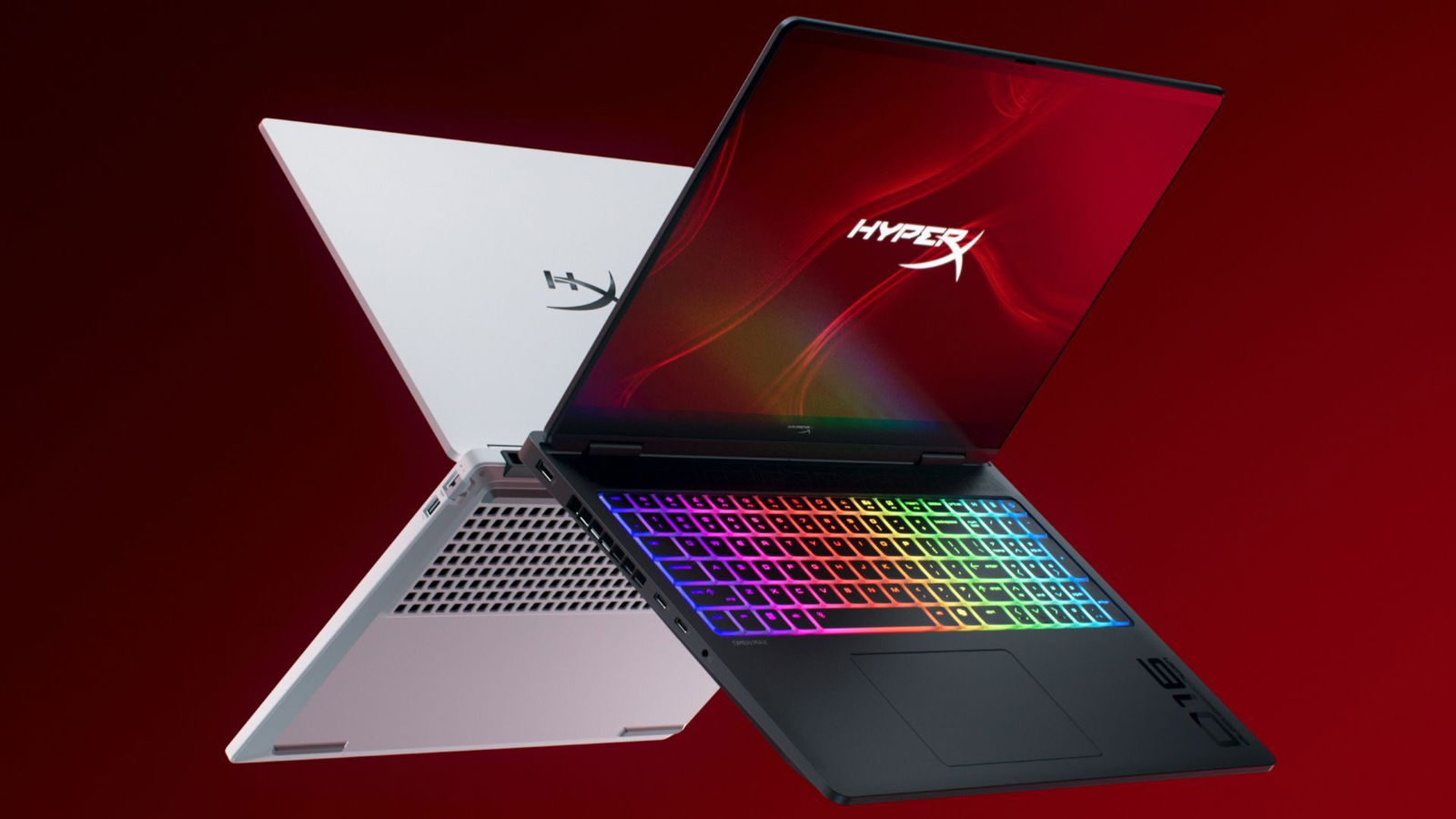




CES 2026 HyperX OMEN Gaming Laptops Have Been Revealed Ces 2026 Hyperx Omen Gaming Laptops Have Been Unleashed 2026 01 03 164747 . The Best Cheap Gaming Laptops For 2026 Tested For Gaming Top 3 Gaming Laptops Of 2026 - The Ultimate Guide . Best Gaming Laptops At CES 2026 RTX 5090 Options Dual Screen Picks Lenovo Legion Pro Rollable Concept. Check Out The Latest ROG Gaming Gear Revealed At CES 2026 . Red Magic Gaming Laptop 16 PRO 2026 Red Magic Gaming Laptop 16 PRO 2026 74474549hdx
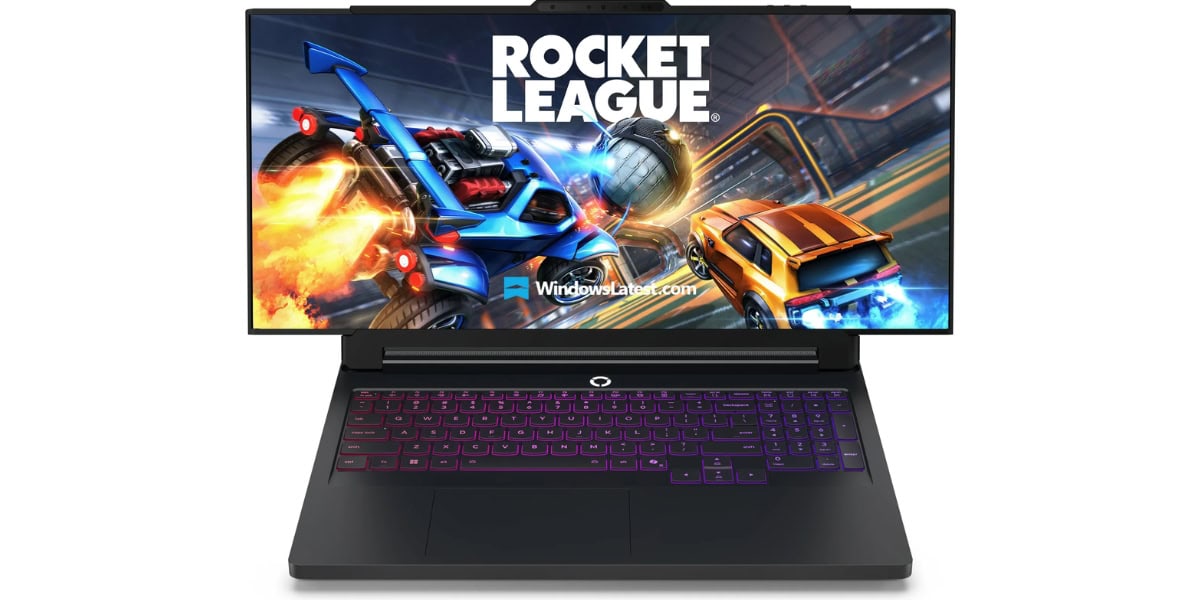
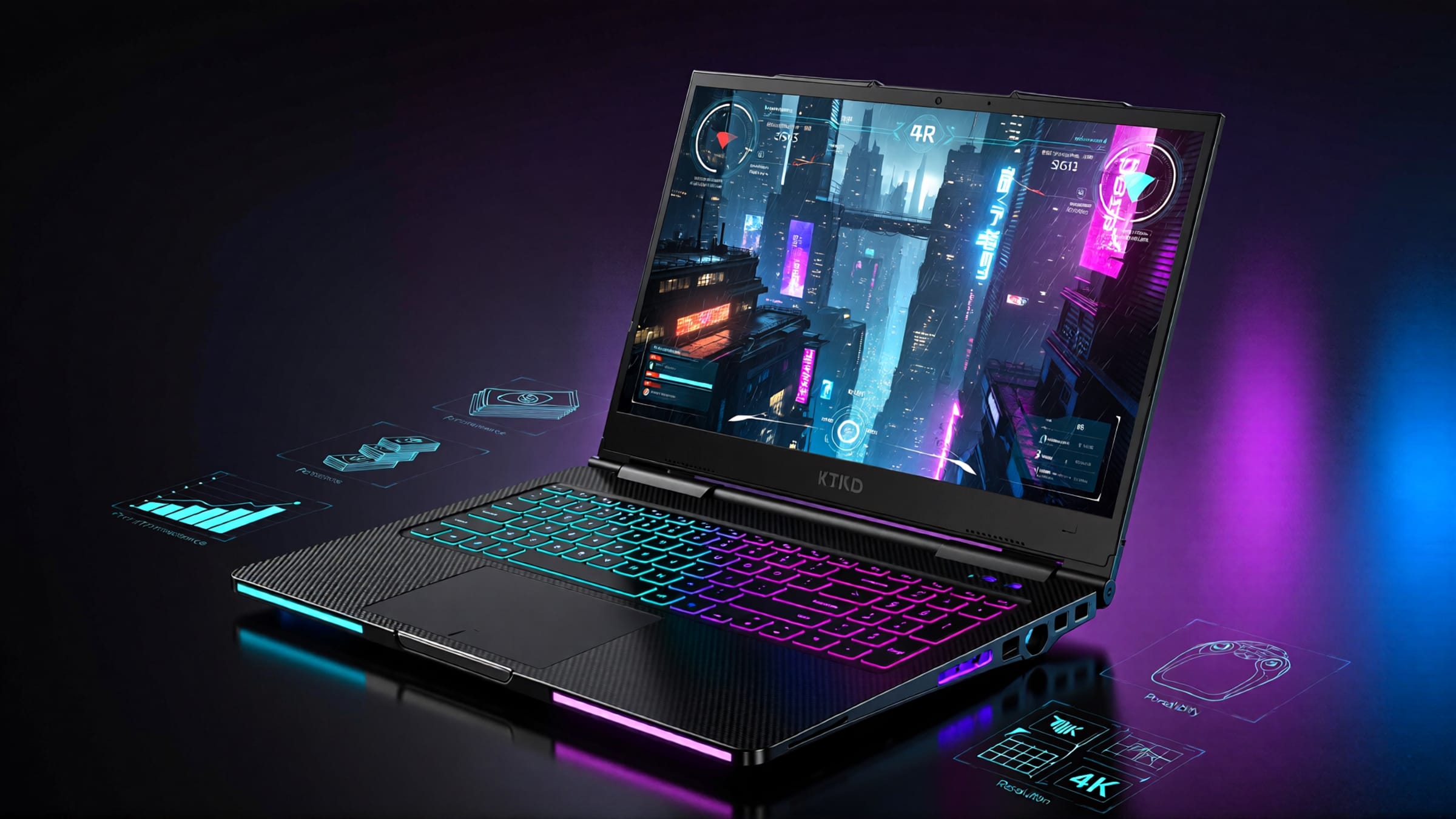
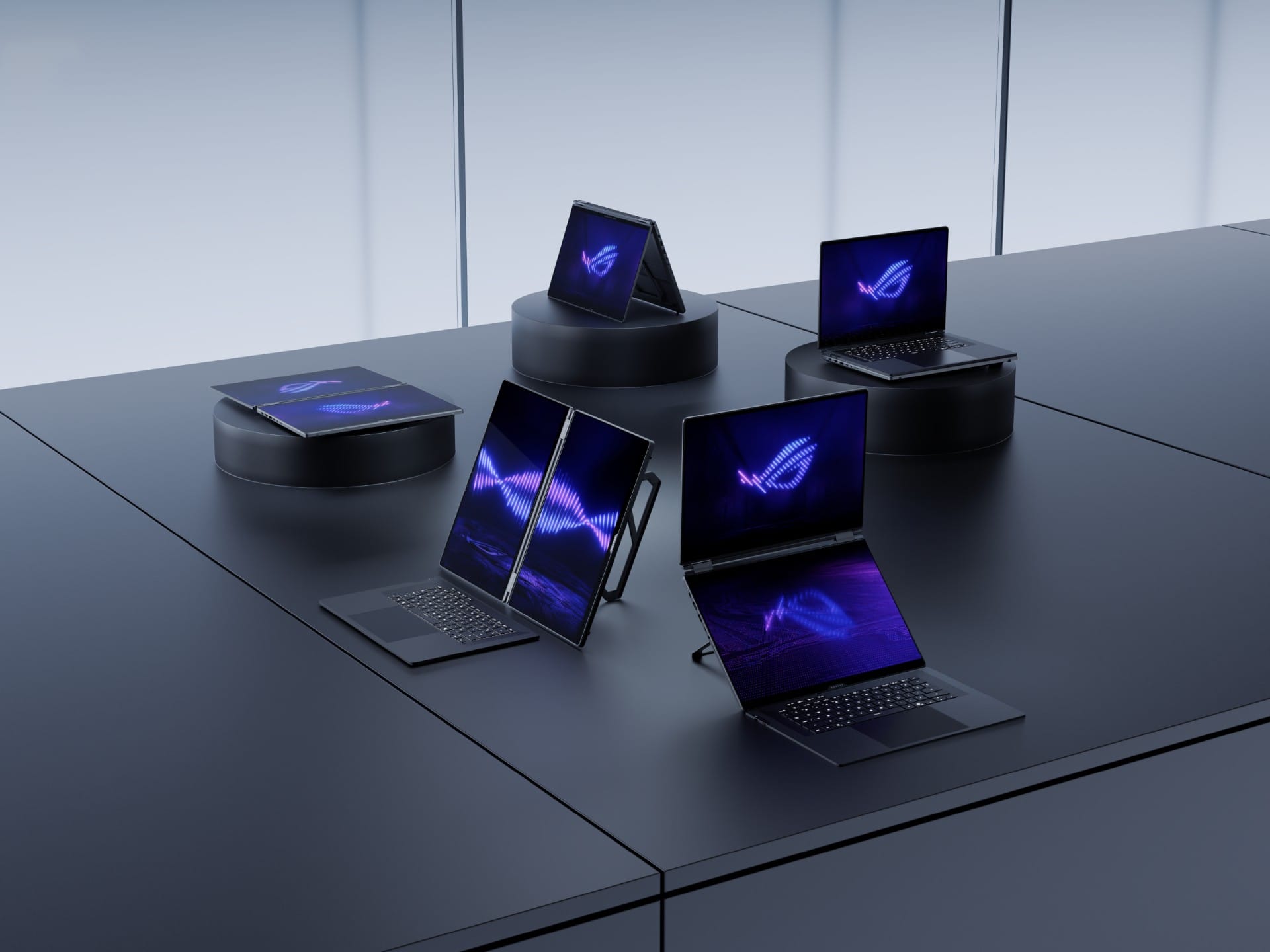
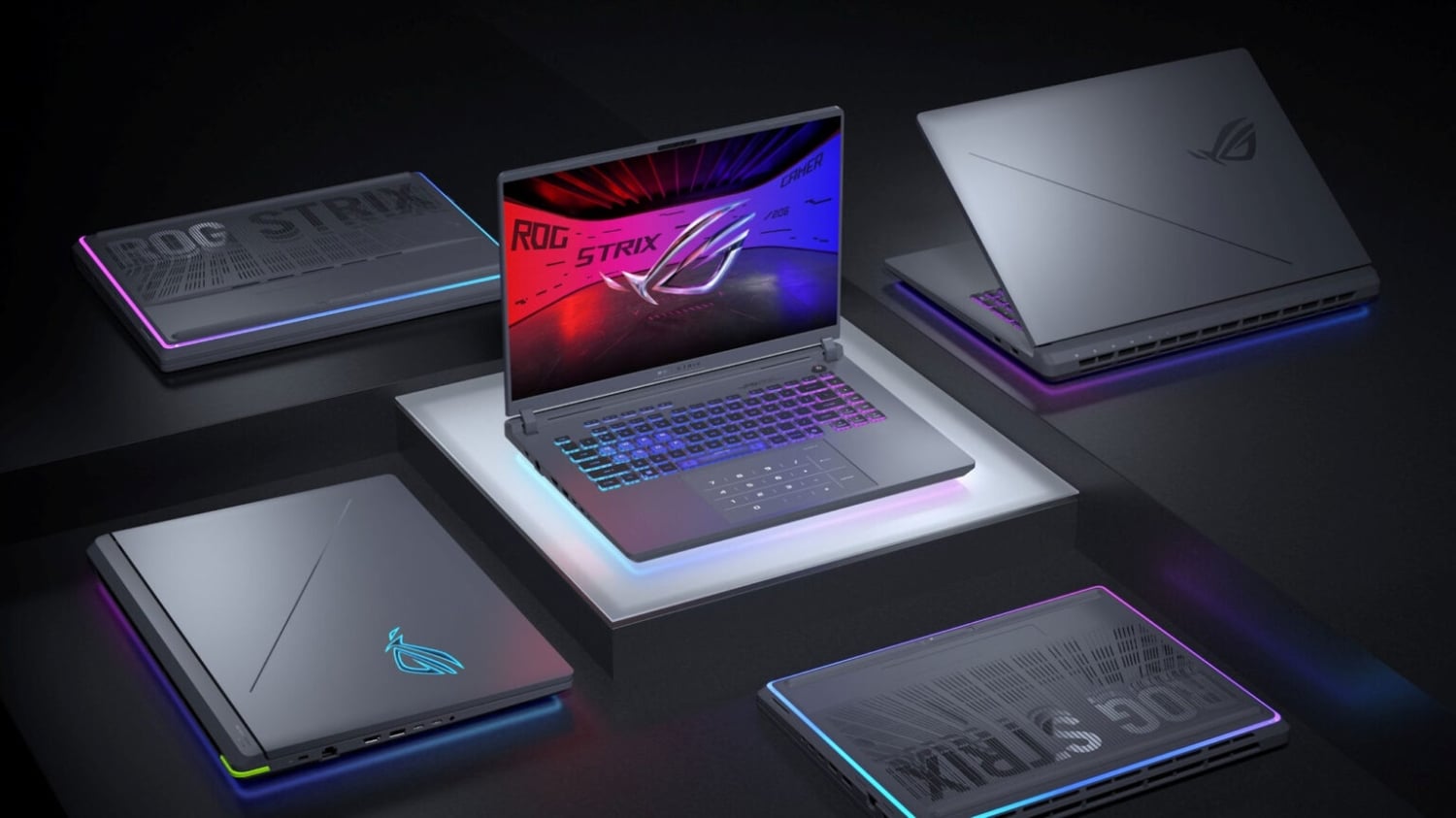

CES 2026 Lenovo Brings Out 16 To 24 Expandable Gaming Laptop Ces 2026 Lenovo Brings Out 16 To 24 Expandable Gaming Laptop Techjuice 211204 062816 . Las Mejores Laptops Gamer De 2026 Gu A Para Elegir Best Laptop Ever . Asus ROG CES 2026 Zephyrus Laptops G1000 Desktop For UAE Asus Rog Ces 2026 News Uae . ASUS ROG Showcase At CES 2026 Confirmed With New Gaming Gear Laptops 109228 43 Asus Rog Showcase At Ces 2026 Confirmed With New Gaming Gear Laptops And Future Technology Full . Rayakan 20 Tahun Jadi Pionir Gaming ASUS ROG Luncurkan Inovasi 2026 01 08 085816.webp
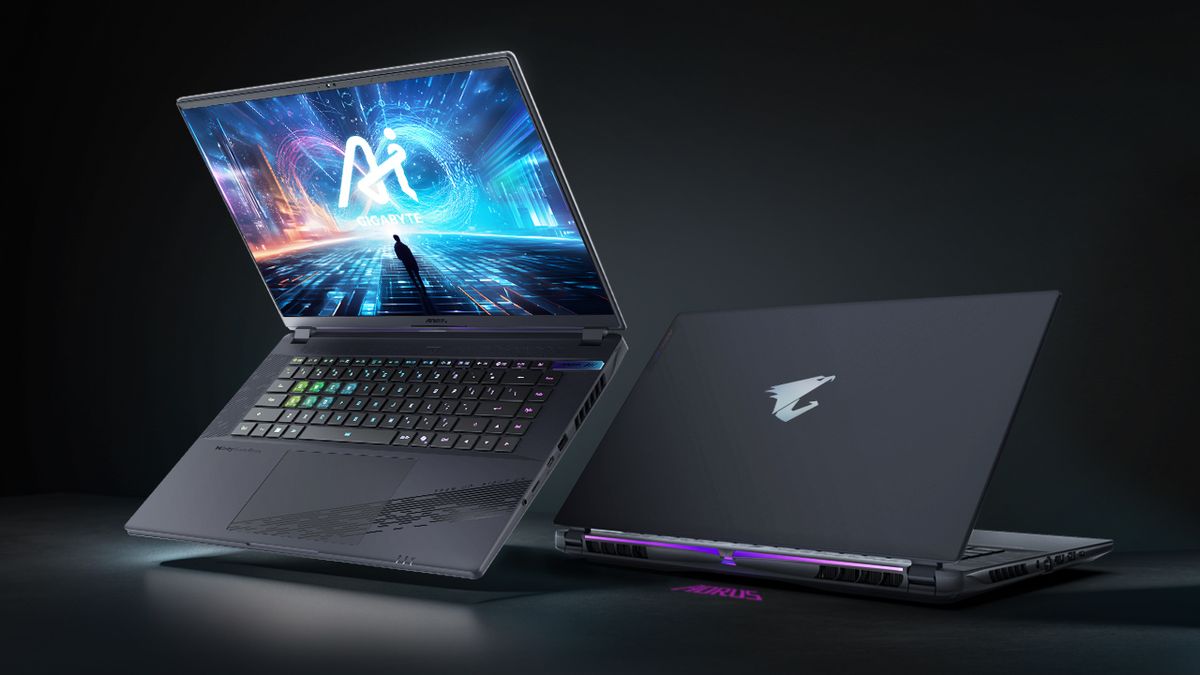


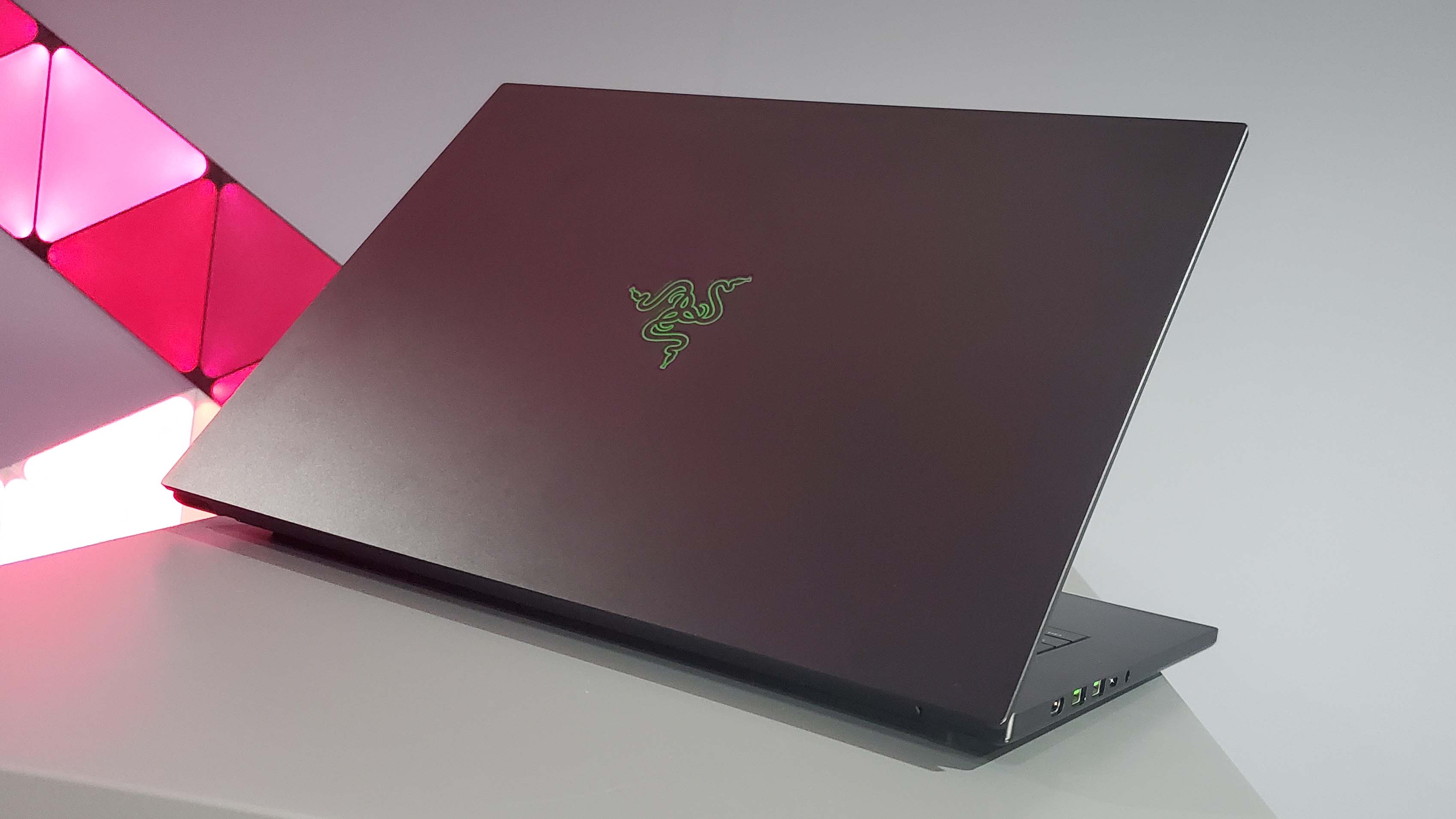
BEST GAMING LAPTOPS IN 2026 REVIEWED AND RANKED Technical 1200 80 . Top LoL Ready Gaming Laptops 2026 Best Gaming Laptops For Lol 2026 Sa Buyer S Guide Banner.webp. Lenovo S CES 2026 Concept Laptops A Rollable OLED Gaming Beast And A Lenovo CES 2026 Rollable Laptop Concepts 20260107 103129 . Razer Unveils Evolution Of Its Thinnest Laptop Blade 16 2026 . 15 Best Gaming Laptops Of 2026 That Deliver Power And Portability Mad Top Gaming Laptops 2026 1835q


5 Best Gaming Laptops For Students 2026 With RTX GPU PCVenus Gaming Laptops For. Gaming Laptops Are They Truly Worth It In 2024 Gaming Laptops . Best Brand For Gaming Laptop 2026 The Ultimate Guide. Best Budget Gaming Laptops 2026 Top Value Picks Best Budget Laptops For Gaming 2026 . ASUS Rumored To Enter DRAM Market Next Year To Tackle Memory Shortages ROG CES Family Of Devices ROG PR Downsample 1 1




Top 5 Best Gaming Laptops For 2026 SIIT Tech Guest Posts Untitled Design 2026 01 1 . Best Gaming Laptops For Every Type Of Gamer In 2026. 10 Best Laptops For Web Development 2026 Complete Developer S Guide Best Gaming Laptops . Best Gaming Laptops For Every Type Of Gamer In 2026 Social.webp. The 5 Best Gaming Laptops Of 2026 RTINGS Com Best Gaming Laptops 20242028 Medium


Best Gaming Laptops 2025 Performance And OnlyMov Tech Gaming Laptop . Top 5 Best Gaming Laptops For 2026 The Ultimate Guide 2026 Rank1one Gaming Laptops . Best Laptops 2026 Top Picks For Every Budget Use Case Xthe Best Laptops 2026 Top Picks For Every Budget Use Case 750x350 . The Best Asus Gaming Laptops 2026 GamesRadar . Best Gaming PC Builds For 2026 Best Gaming PC Builds For 2026.webp


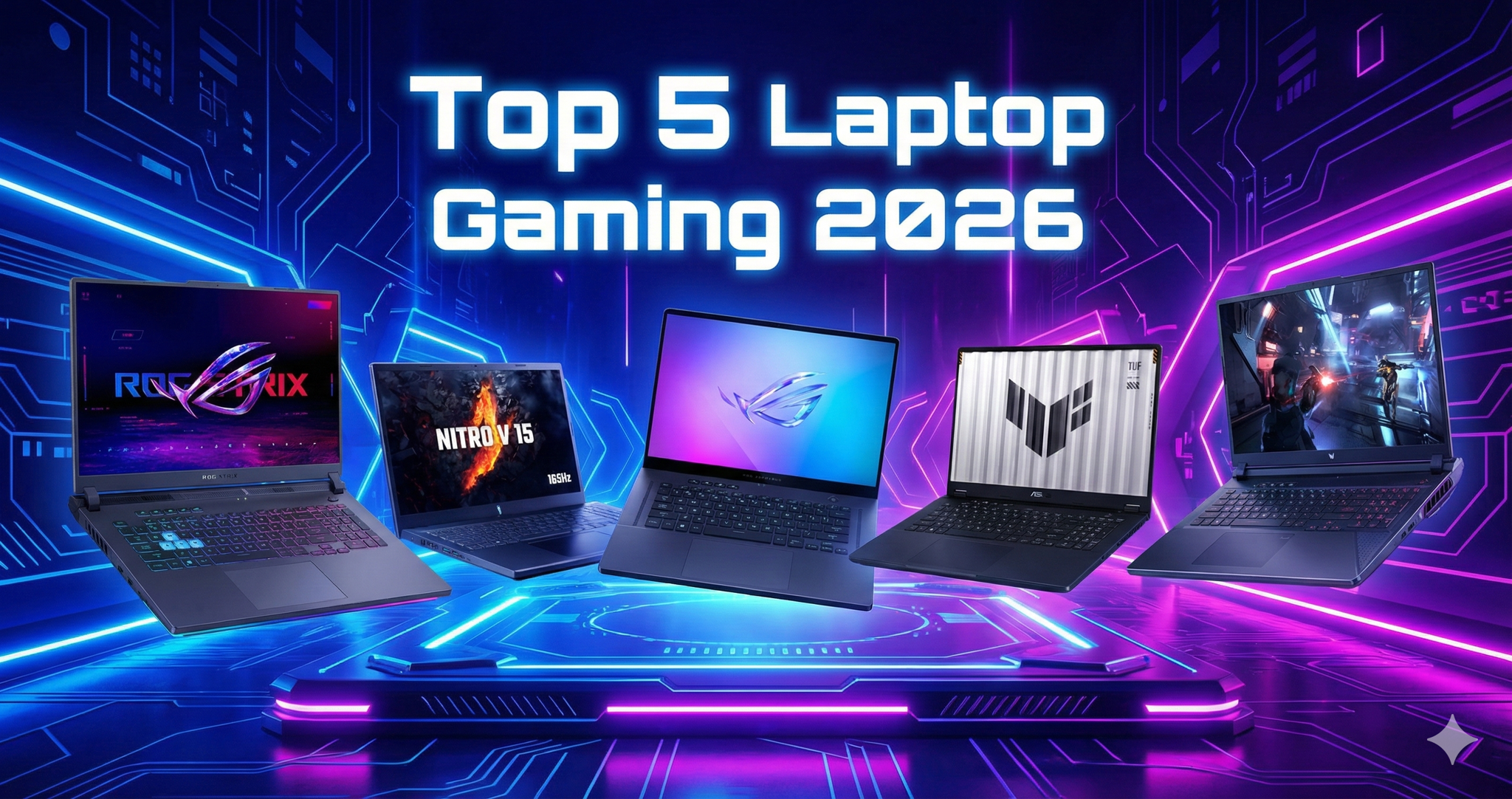

January 2026 Game Releases 2026 Video Game Release Dates Post Feature Image . 5 Best Gaming Laptops 2026 Gaming Net Untitled Design . Top 5 Laptop Gaming Ng Mua Nh T 2026 K Nguy N AI PC RTX 50 Series Gemini Generated Image . 10 Best Gaming Phones In 2026 10 Best Gaming Phones 2026 Main . Top 10 Best Gaming PC In 2025 Builds For 4K Gaming 10 Best Acer Gaming Laptops With Powerful